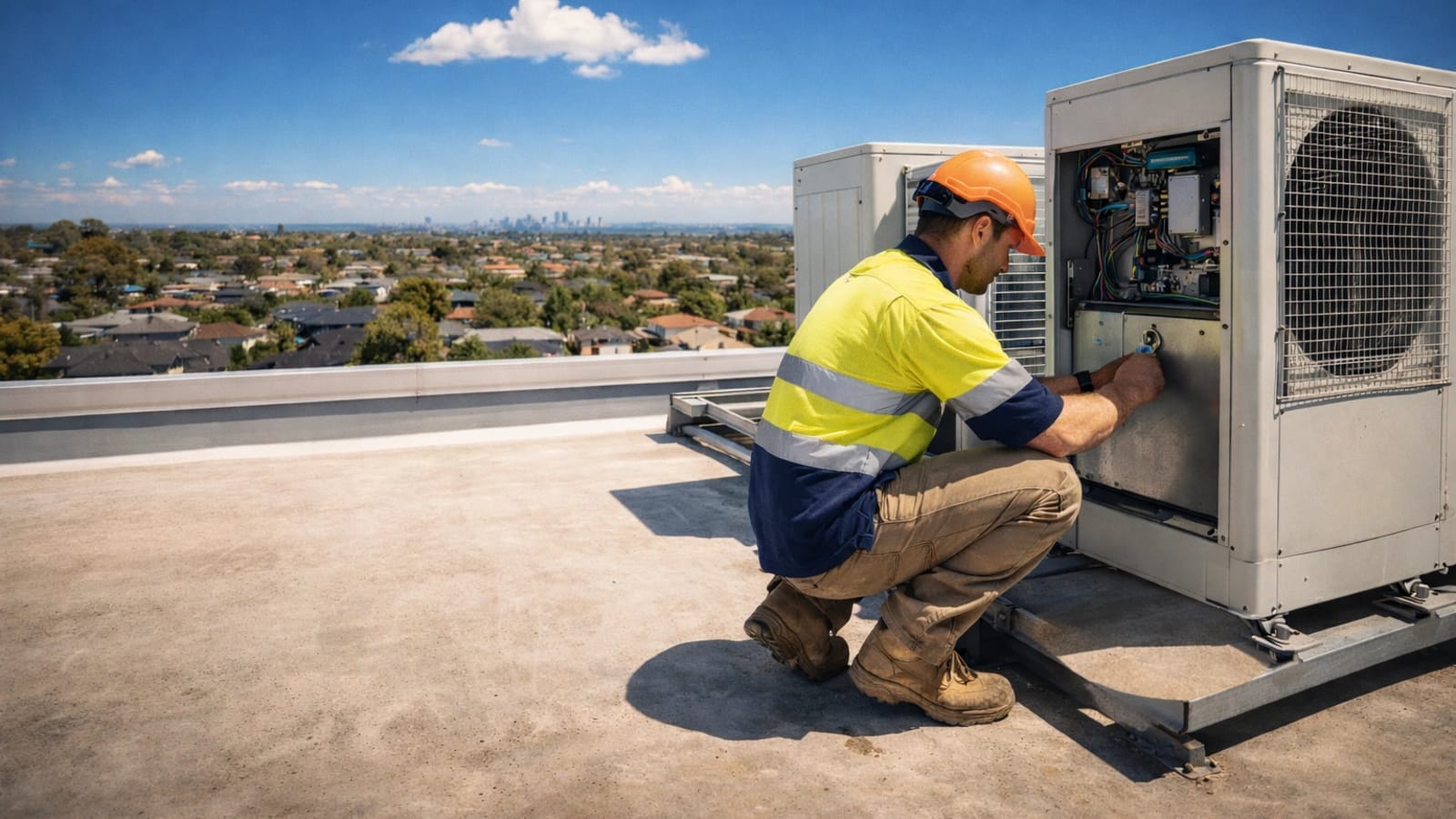
Matt Dunk is an HVAC technician based in regional QLD. His days are packed: service calls in the morning, installs in the afternoon, and client updates in between. He’s not chasing more admin - he just wants answers fast, jobs moving, and paperwork done before the kettle’s even boiled.
7:10am - First call, short on time
Matt’s first job is a split-system that’s short cycling. He opens Smart Assistant - the multi-source troubleshooting tool that pulls from manuals, guides, and spec sheets - and asks a targeted question with the model number and symptoms. It maps the likely causes and the checks in order, which beats the “scroll, squint, and guess” routine.
The result: he isolates the issue quickly, avoids a second visit, and gets to the fix without the usual phone-a-mate detour.
10:30am - Client comms without the back-and-forth
After the fix, the customer needs a clear explanation for warranty records. Matt uses Smart Chat - the general-purpose assistant for drafts and replies - to write a short update with the fault, the remedy, and the maintenance advice. The response lands in under a minute, not five, and he tweaks it to match his tone.
That means clear comms sent before he leaves the driveway and fewer “just checking…” follow-up calls later.
Matt's day-in, day-out wins
- Time saved: Around 45-60 minutes across the day from faster troubleshooting and less admin.
- Fewer callbacks: Clearer client updates mean less follow-up.
- Less rework: Visual checks catch issues before they become repeat visits.
1:45pm - Visual sense-check before the install
On the install job, Matt spots a messy setup that doesn’t quite pass the pub test. He snaps a photo into Smart Vision, the photo-based troubleshooting tool that flags likely issues and safety risks. It gives him a quick visual sense-check so he can decide whether to dig deeper or keep moving.
It’s not magic, but it’s a handy second set of eyes before you crack open the tools.
4:30pm - Admin wrap-up before knock-off
At the end of the day, Matt uses Smart Tools - the template-driven generators for logs, proposals, and client comms - to draft a quick day log and a tidy summary for the client. It keeps everything consistent and ready to drop into his records.
The day ends on time, and the ute doesn’t double as a late-night office.
Why this workflow sticks
- Time saved: Around 45-60 minutes across the day, mostly from faster troubleshooting and fewer admin loops.
- Fewer callbacks: Clearer client updates mean less follow-up.
- Less rework: Visual checks catch issues before they become repeat visits.
The takeaway
For Matt, Tradie Assistant isn’t about replacing his know-how - it’s about keeping momentum on the tools. Troubleshooting is faster, answers are clearer, and admin doesn’t stretch into the evening. Want the full toolkit? See full plan details on the pricing page, then jump into your free account when you are ready.
Keen for more practical follow-ups? Read the guide Professional Accuracy for records and troubleshooting depth, then How Tradies Get the Best Results from AI for prompting and workflow tips.