Be honest. When did you last post something for your business? Not a job photo you dumped in a group chat. An actual post, with a caption that sounds like you and a picture that makes someone stop scrolling.
Most tradies know they should. A feed that looks active tells a customer you are busy, you are legit and you are still around. But it is 6pm, you are knackered, and a blank caption box is the last thing you want to deal with. Then there is the picture. You are not a designer, and you are not paying one to make a graphic for a smoke alarm reminder.
We already fixed the caption. Today we're fixing the picture.
New today
The AI Social Image Generator is now live for Pro. Write your post in the Social Post Generator, tap one button, and get a ready-to-share image that matches your caption, sized for Instagram, Facebook or stories. Captions stay free for everyone.
One line in, a finished post out
Type something like "aircon service reminder". The Social Post Generator writes the caption, same as always. Now, right underneath it, there's a new panel: Create an image for this post.
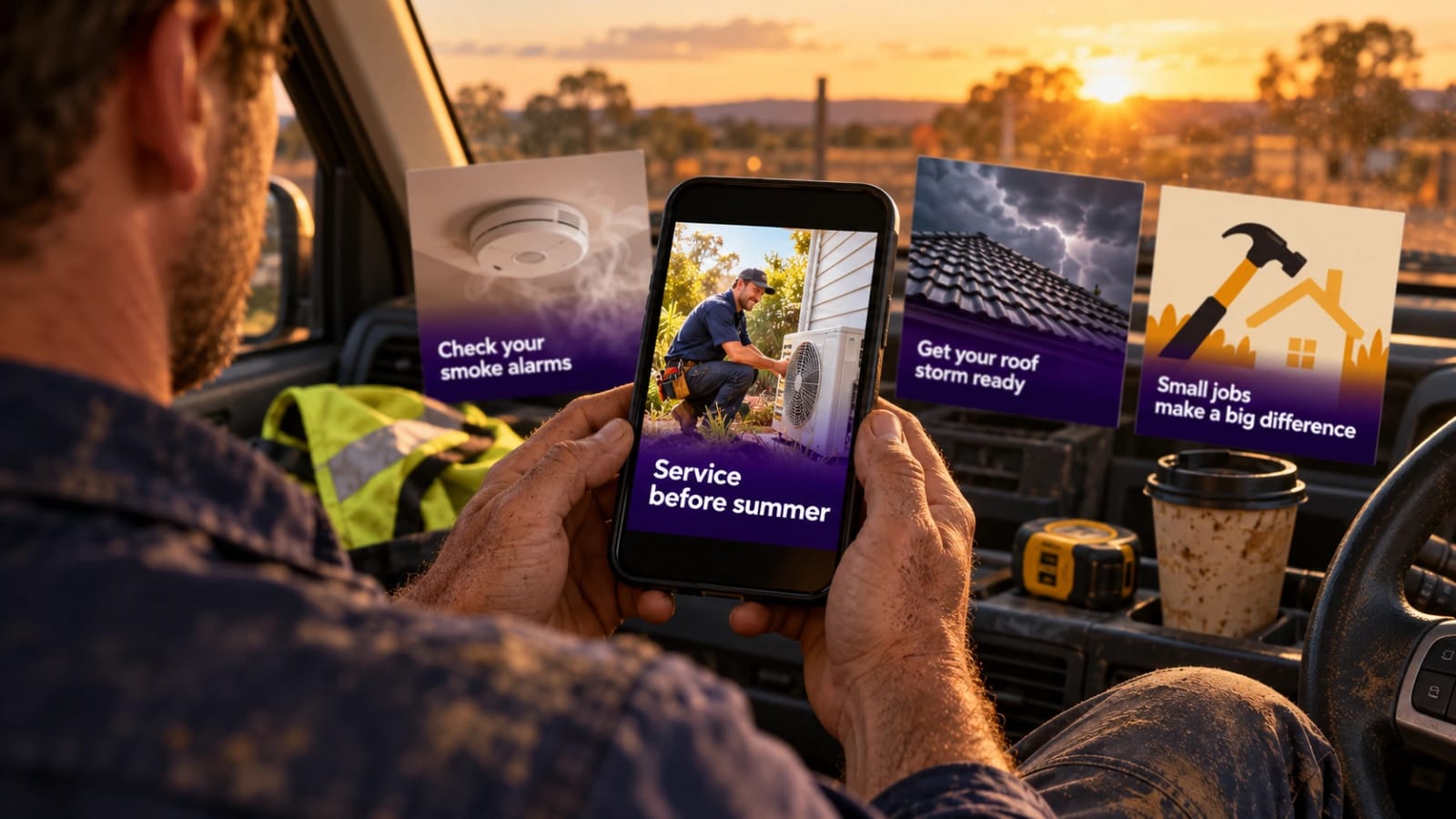
Pick a look, tap generate, and it builds an image from what your caption actually says. Write about getting aircons serviced before summer and you get an aircon scene. Write about testing smoke alarms and you get smoke alarms. It is not a random stock picture that sort of fits. It is made for that post.
Add a headline if you want one, like "Service before summer", and it goes across the image in a clean, readable font. Download it, paste your caption, post it. The whole thing works from your phone, on the tailgate, before you drive home.
Why this is a big deal for a one-person business
You can finally keep a feed going
The hard part of social media is not one good post. It is the fifth one, in week six, when you have nothing new to show. Because the image comes from the caption, you can sit down once with a cuppa and knock out a fortnight of reminders, tips and availability posts without ever opening an editing app.
Your posts look like they came from a real business
Posts with a proper image and a clear headline look more professional than a wall of text, and they are far easier to spot in a busy feed. That helps with the stuff customers actually check before they ring you: does this person look switched on and reliable?
No designer, no Canva, no faffing about
There is nothing to learn and no template to wrestle with. You are not choosing fonts or dragging boxes around. Pick a style, pick a size, done.
Text that is spelled right, every time
Anyone who has tried getting AI to put words on a picture knows how it goes: "Service befroe sumer". Here the headline is added separately from the image, so it comes out exactly as you typed it. Spot a typo or change your mind? You can edit the text without making a new image.
Made for the places you actually post
Square for the Instagram and Facebook feed, portrait for more room on Instagram, and tall for stories and reels. Three looks to choose from too: a natural photo style, a friendly illustration, or a bold poster graphic.
What it is best for
- Seasonal reminders, like aircons before summer or gutters before storm season.
- Safety tips, like testing smoke alarms or your safety switch.
- "We have a few spots free this week" posts.
- Offers, new services and holiday closures.
- The simple "did you know" posts that make you look like the expert.
One thing it will not do: make up a picture of your finished job. If your post is about work you just completed, it creates an illustration and says so, because a generated image is not your actual bathroom and customers deserve the real thing. Keep taking your own photos for finished jobs. This is for everything around them.
Getting it
The AI Social Image Generator is included in Pro (AUD $9/month or AUD $90/year) with 15 images a month. First-time subscribers get a 14-day trial that includes 15 images. The Social Post Generator and its captions are still free.
It sits alongside the reason most people join Tradie Assistant in the first place, Smart Assistant, which gives you troubleshooting answers backed by manufacturer manuals and industry standards. Social images are one more admin job off your plate.
Create a free account to try the caption generator today, or see Pro pricing to add the images. If you want to know where social fits in the bigger picture, read how to get more work as a tradie.
Frequently asked questions
What is the AI Social Image Generator?
It is a Pro feature in Tradie Assistant that turns the caption you have written in the Social Post Generator into a matching image, sized for Instagram, Facebook or stories. You download it and post it yourself.
Is the AI Social Image Generator free?
No. It is part of Pro, which is AUD $9/month or AUD $90/year, and includes 15 images a month. Writing captions with the Social Post Generator is still free. First-time Pro subscribers get a 14-day trial that includes 15 images in total.
Does it post to Instagram or Facebook for me?
No. It creates the image and you download it, then post it yourself. That keeps you in control of what goes out under your business name.
Can it make a photo of my finished job?
No, and it is designed not to. For posts about finished work, such as before and after posts, it creates an illustration and tells you it is not a photo of the real job. Use your own photos for completed work.
What sizes can I make?
Square (1:1) for feed posts, portrait (4:5) for Instagram, and tall (9:16) for stories and reels. You can add an optional headline and sub-text, and edit it without using another image.